
Have the customer’s name and any payment records ready. Check the balance before you follow up.
Find the invoice
Check its current state before you contact the customer.
Search the right status and type
Open Invoices. Choose Drafts, Paid, or Unpaid.
Search for the customer or invoice. Use the filters if you don’t see it.
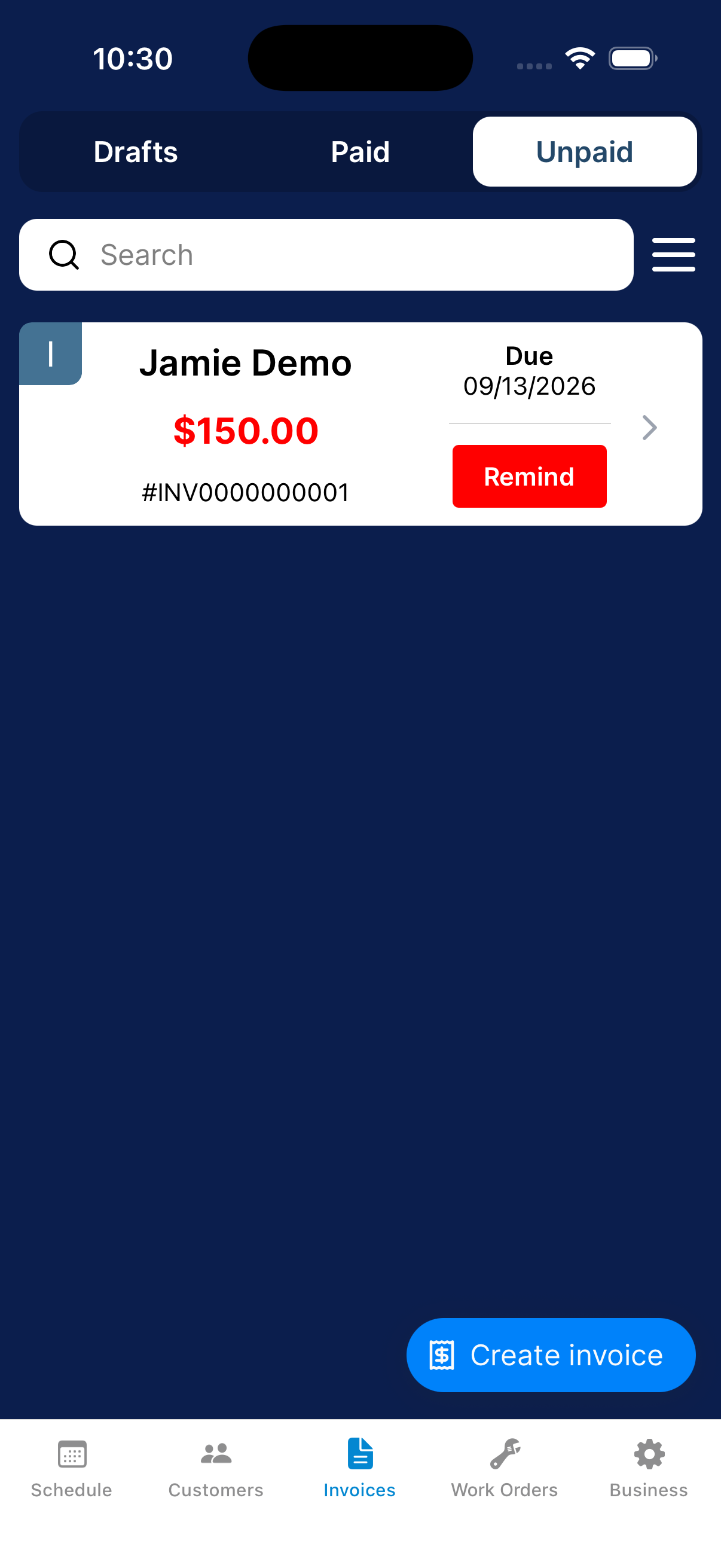
Review the balance and previous activity
Open the invoice. Check the customer, charges, total, and reminder history.
If the customer already paid another way, use Record a payment received outside Dip before sending a reminder.
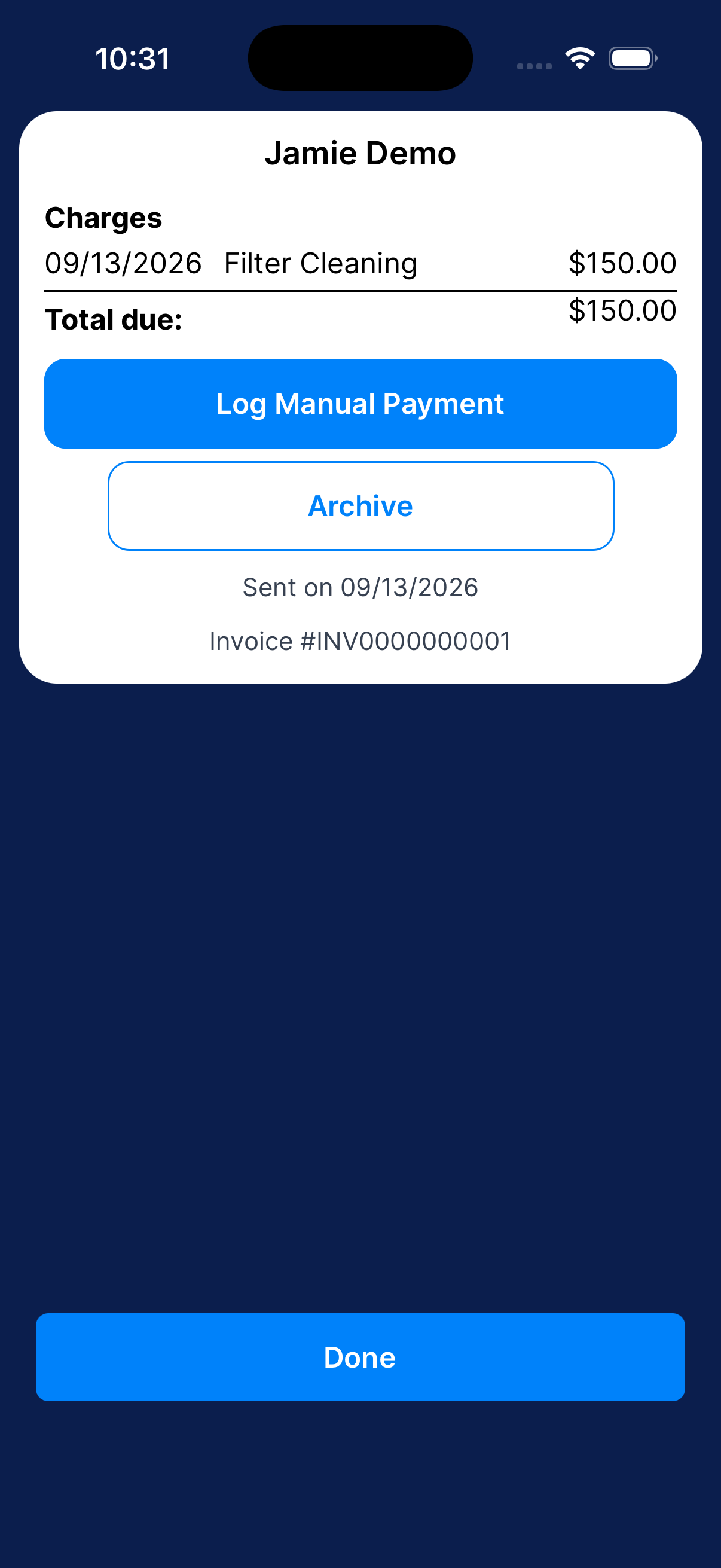
Send a reminder when payment is still due
Check the balance, email, and past reminders first.
Find the invoice
Go to Invoices → Unpaid and find the customer.
Check previous reminders
Check when the last reminder was sent, and that the customer hasn’t paid or replied, before sending another.
Tap Remind
Tap Remind on the unpaid invoice to send the payment reminder immediately.
Check the result
Check the reminder status or history.
Archive or restore a one-shot invoice
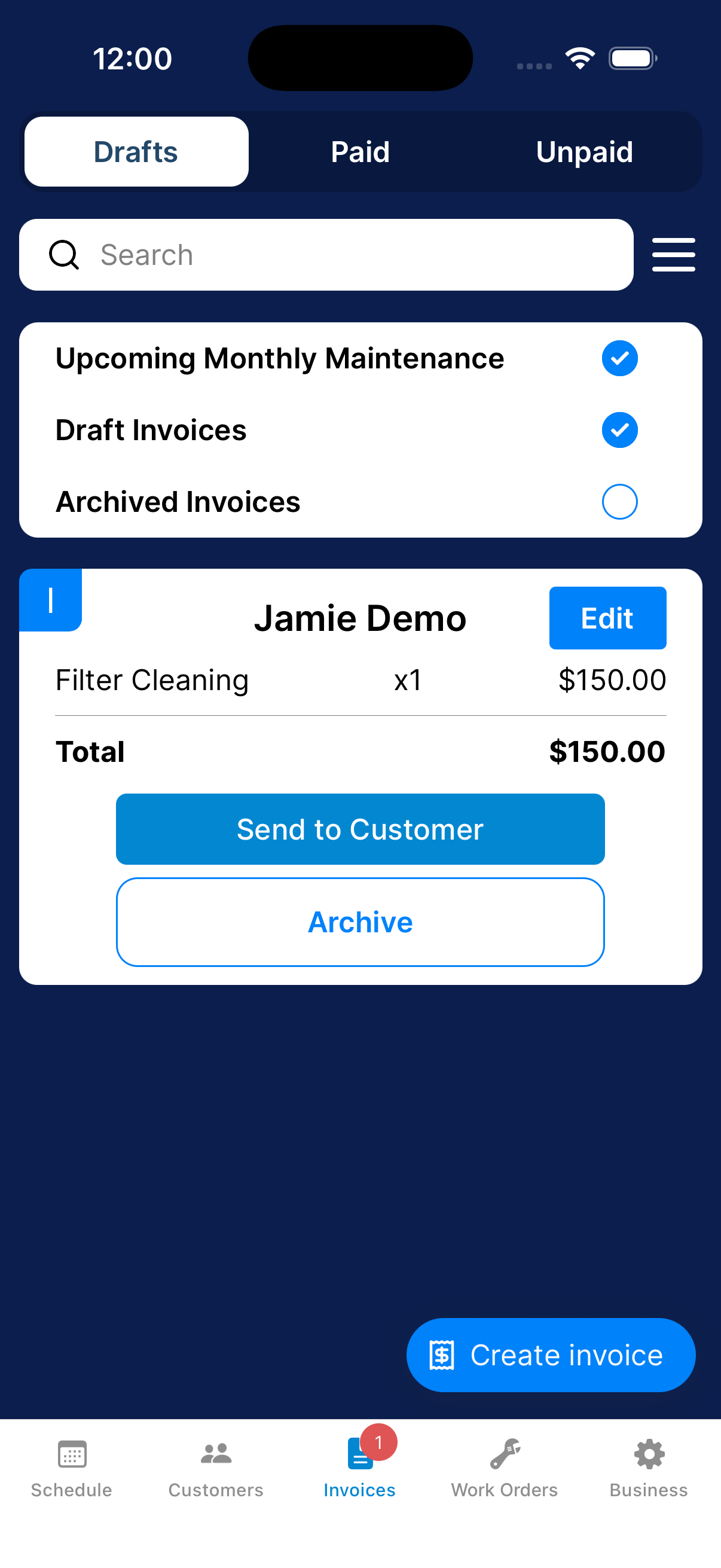
Archive an invoice to remove it from the active list. This does not record a payment.
Open the invoice
Find the invoice in Invoices and open its details.
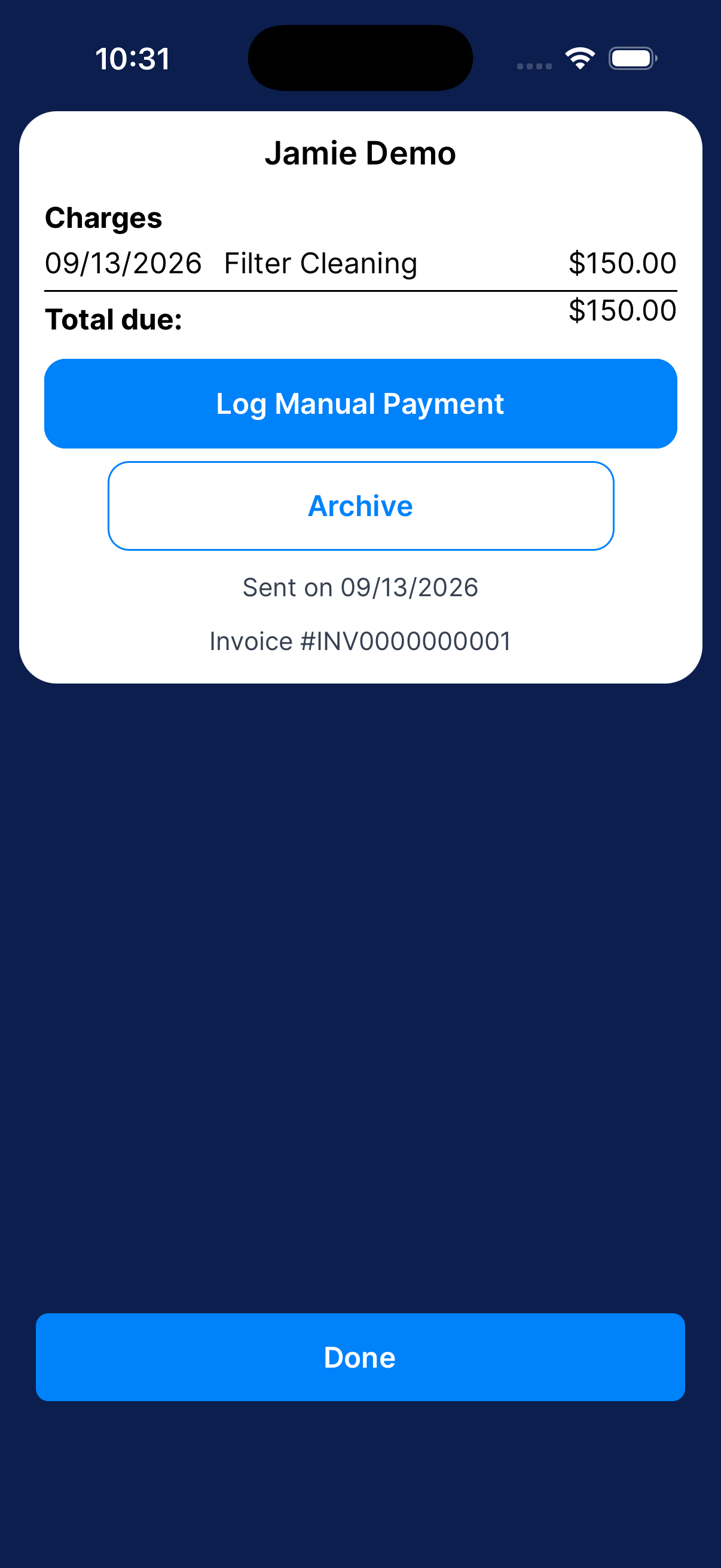
Choose Archive
Tap Archive and review the confirmation. Confirm to archive, or tap Cancel.
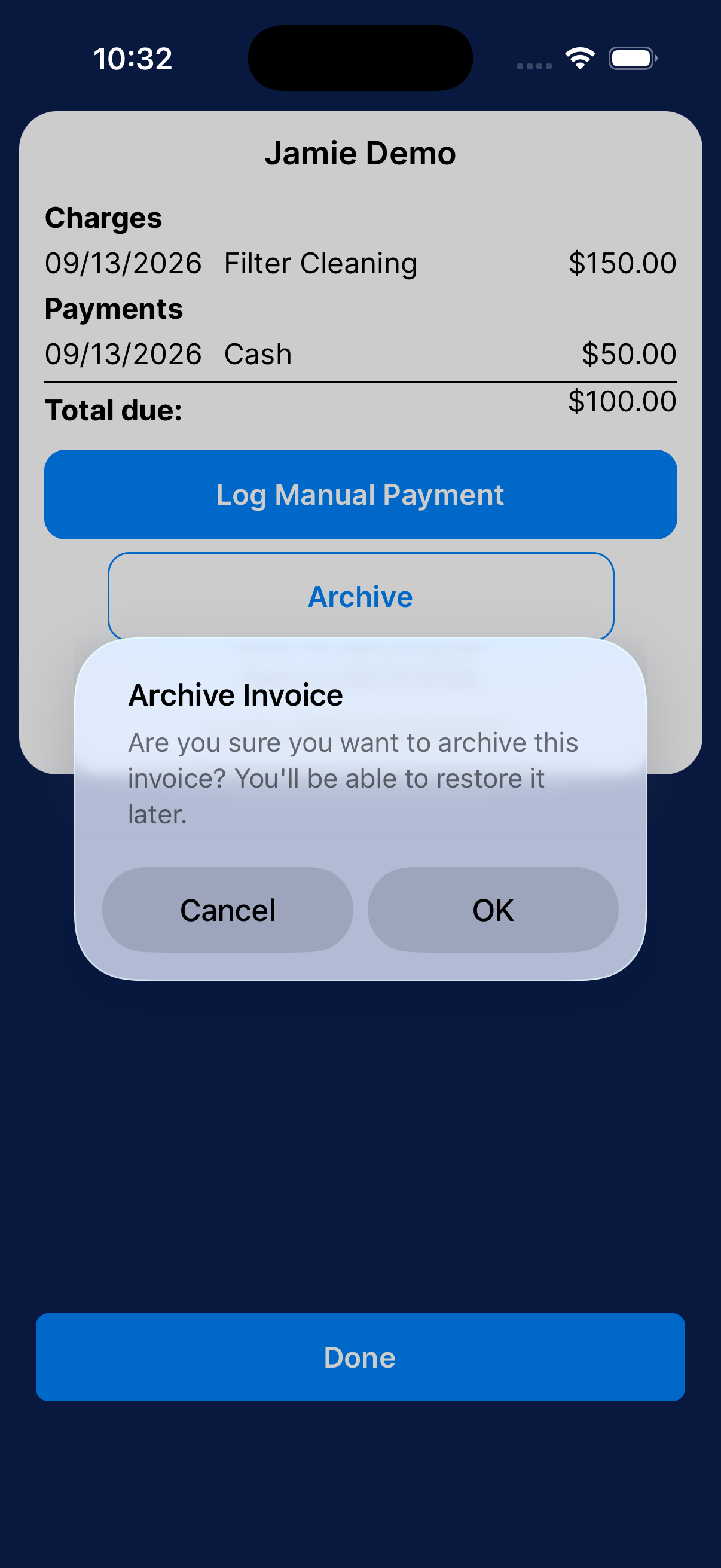
Find archived invoices
Open the list’s filter menu and include Archived Invoices.
Restore when needed
Open the archived invoice and use Unarchive. Confirm the restore action to return it to its previous state.
Need a hand?
I can’t find an invoice. What should I check?
Check Drafts, Paid, and Unpaid, then review the invoice-type filters. Search for the customer or invoice again.