
Have the customer’s name and the approximate date of the visit or work order you need.
View a past visit or work order
Use the customer profile when you’re not filling out a report.
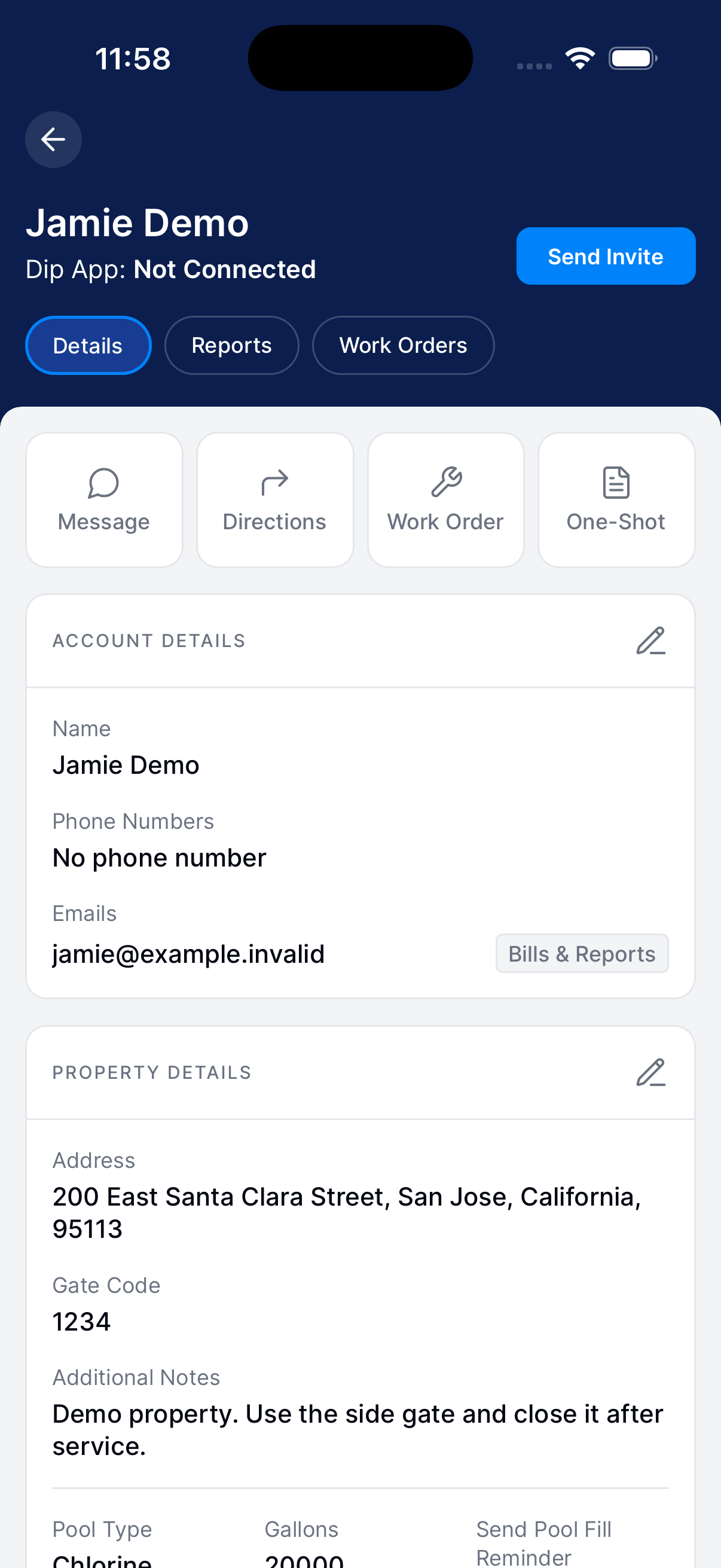
Open the profile
Go to Customers. Open the customer and tap Info.
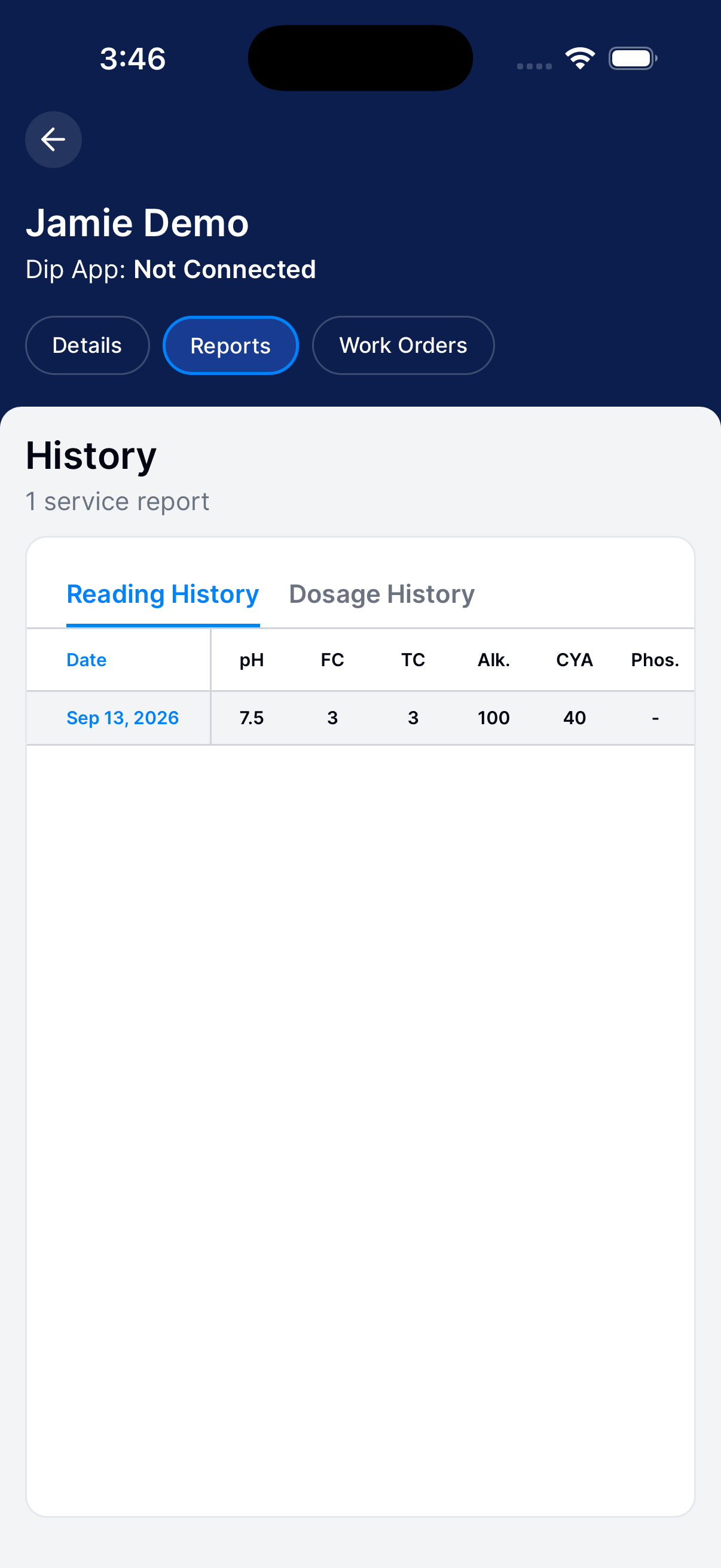
View service reports
Tap Reports. Choose Reading History or Dosage History.
Tap a date to open the full report, including work, notes, and photos.
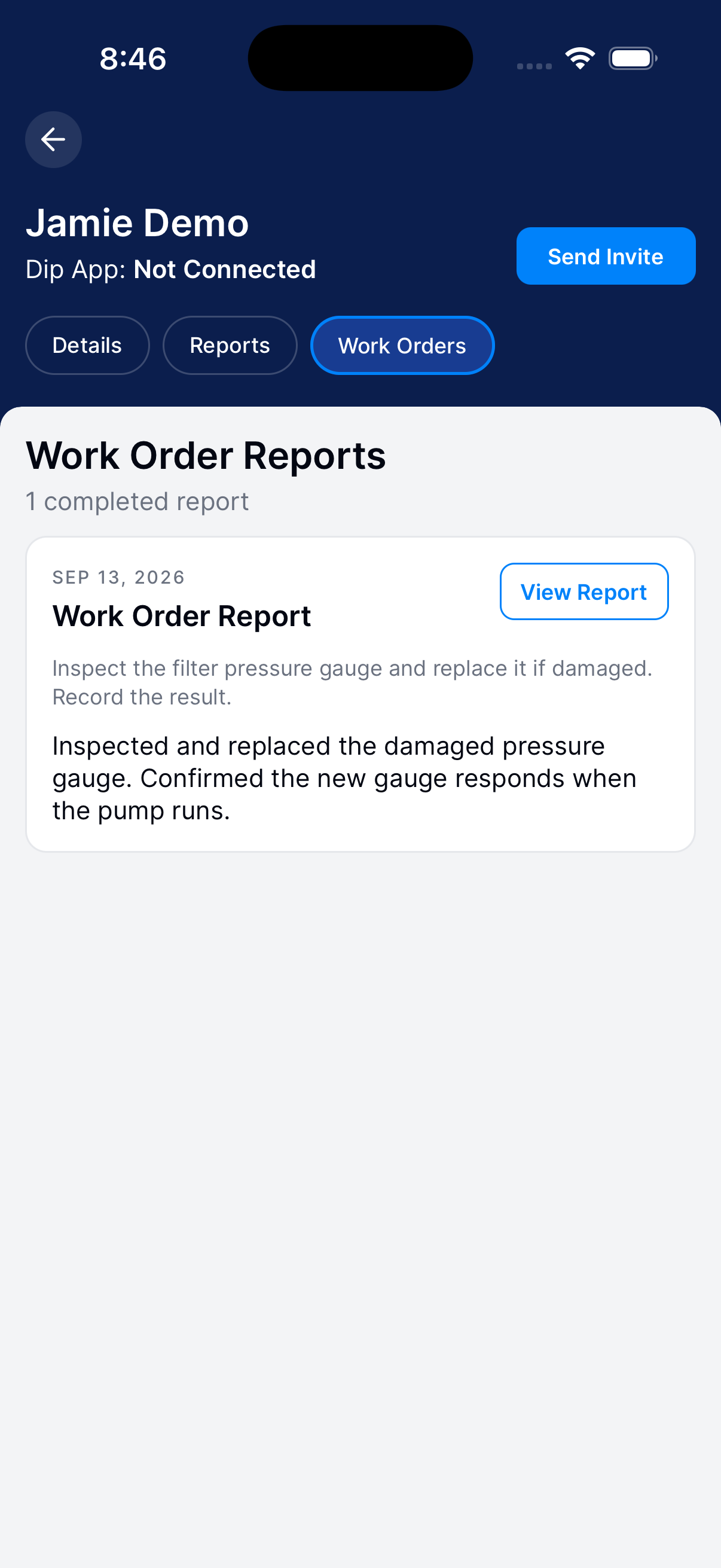
View work orders
Go back to the profile and tap Work Orders. Open a work order to see its details.
If a work-order report is missing from your technician account, ask your operator to look it up in their account.
Compare measurements during a visit
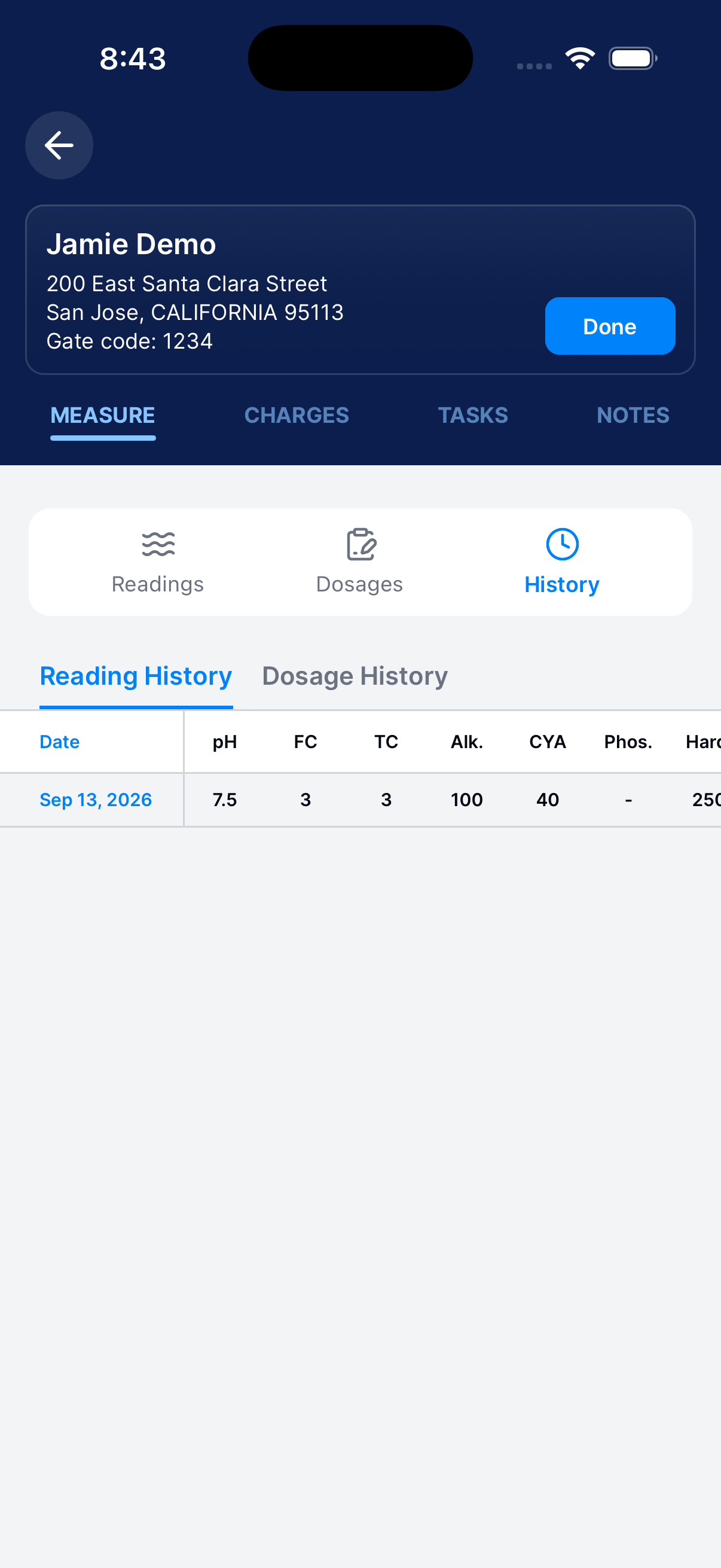
Use History while you’re filling out today’s report.
Open History
Tap Measure → History.
Review previous visits
Switch between reading and dosage history. Check each date before comparing values.
Return to today’s report
Tap Readings or Dosages to return to the current report and enter today’s measurements.