
Before you begin
Use an email address your manager can add to the company.
1
Open registration
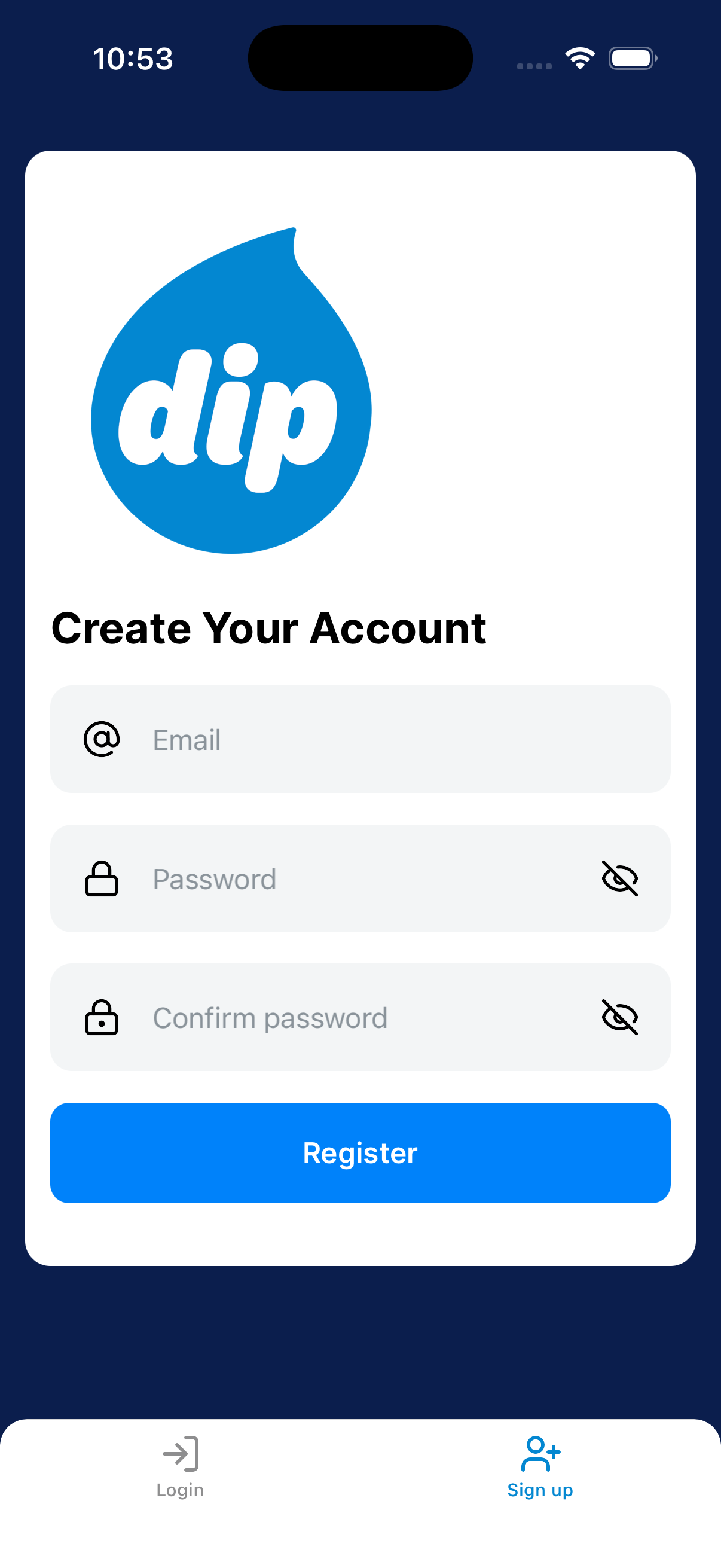
From Login, tap Sign up. Enter your email and password.
2
Choose Tech
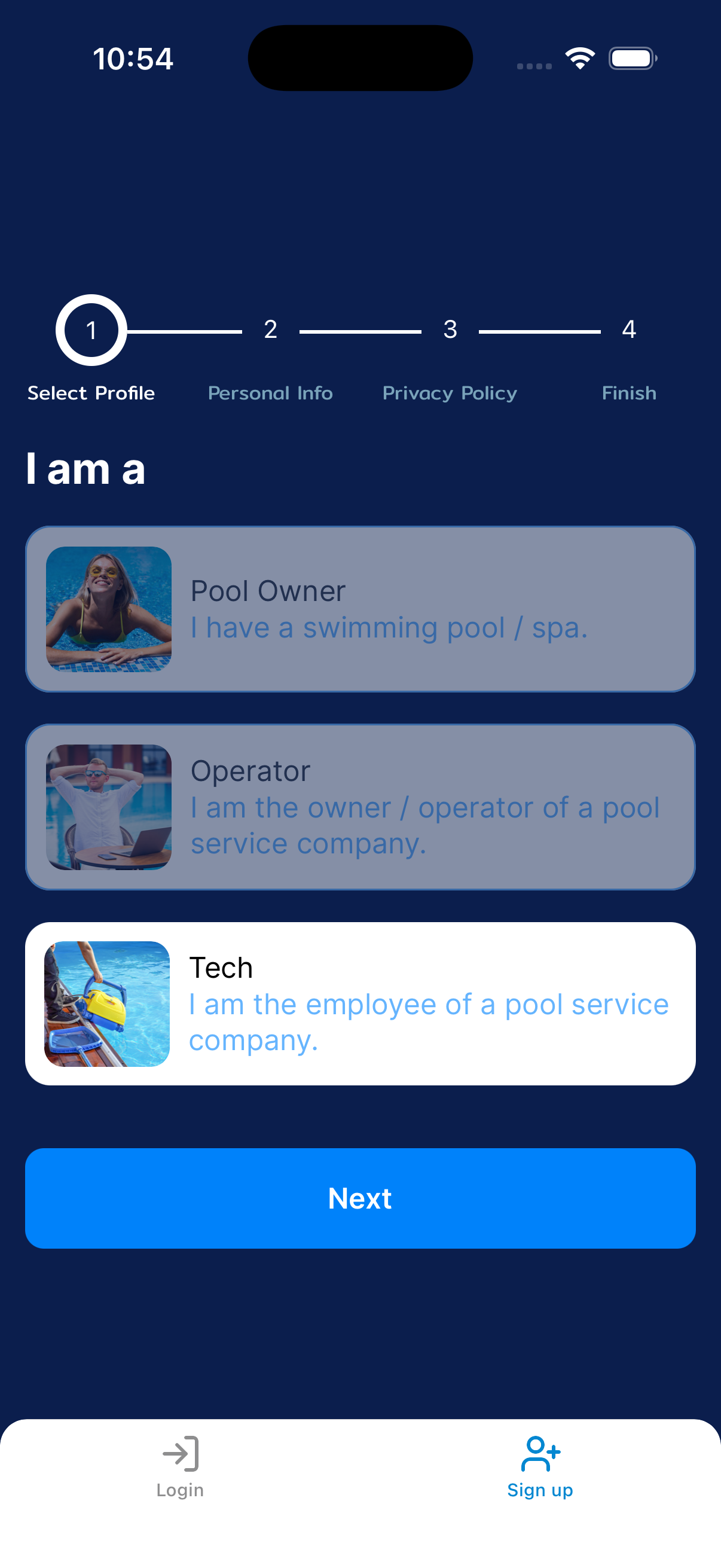
On Select Profile, choose Tech and tap Next. Complete Personal Info.
Read and accept the Privacy Policy. Tap Done on the Finish screen.
3
Give your manager your email
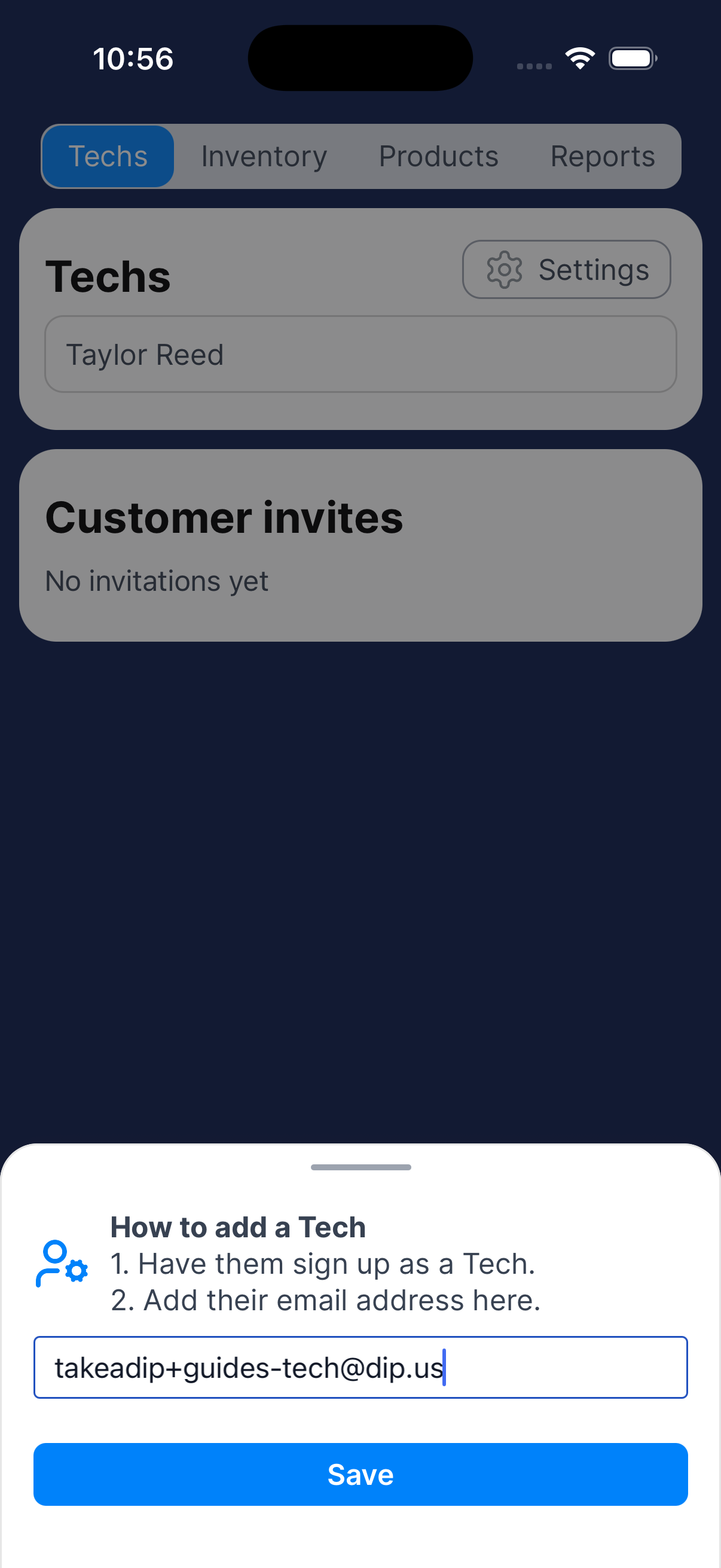
Give your manager the exact email address you used to register. They can add it under Business → Techs → Add tech.
4
Check your assignments
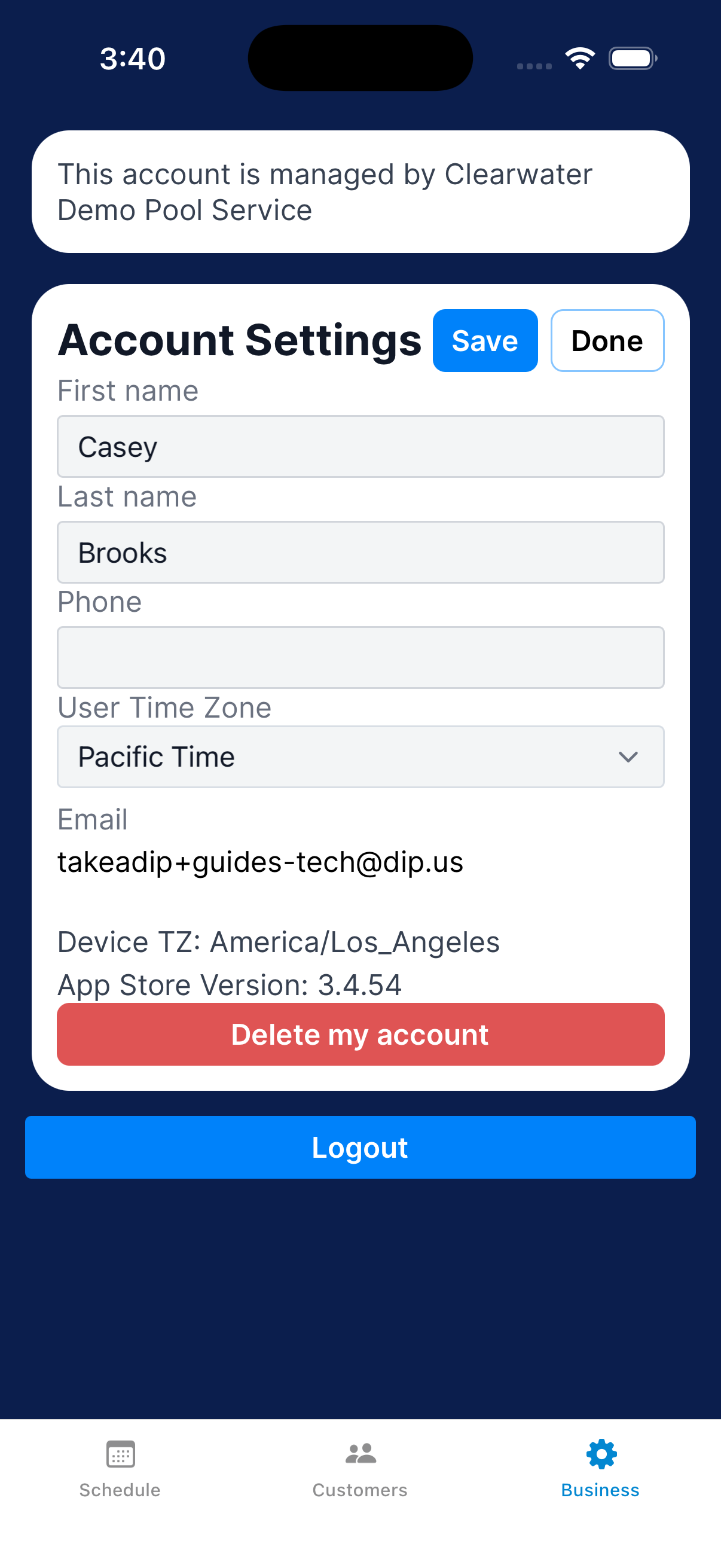
Go to Business → Settings and check the company name. Then open Schedule on an assigned day.
If a job is missing, ask your manager to check the assignment.
What happens next?
When you can see the company and an assigned visit, follow Prepare for the day and travel to a visit.